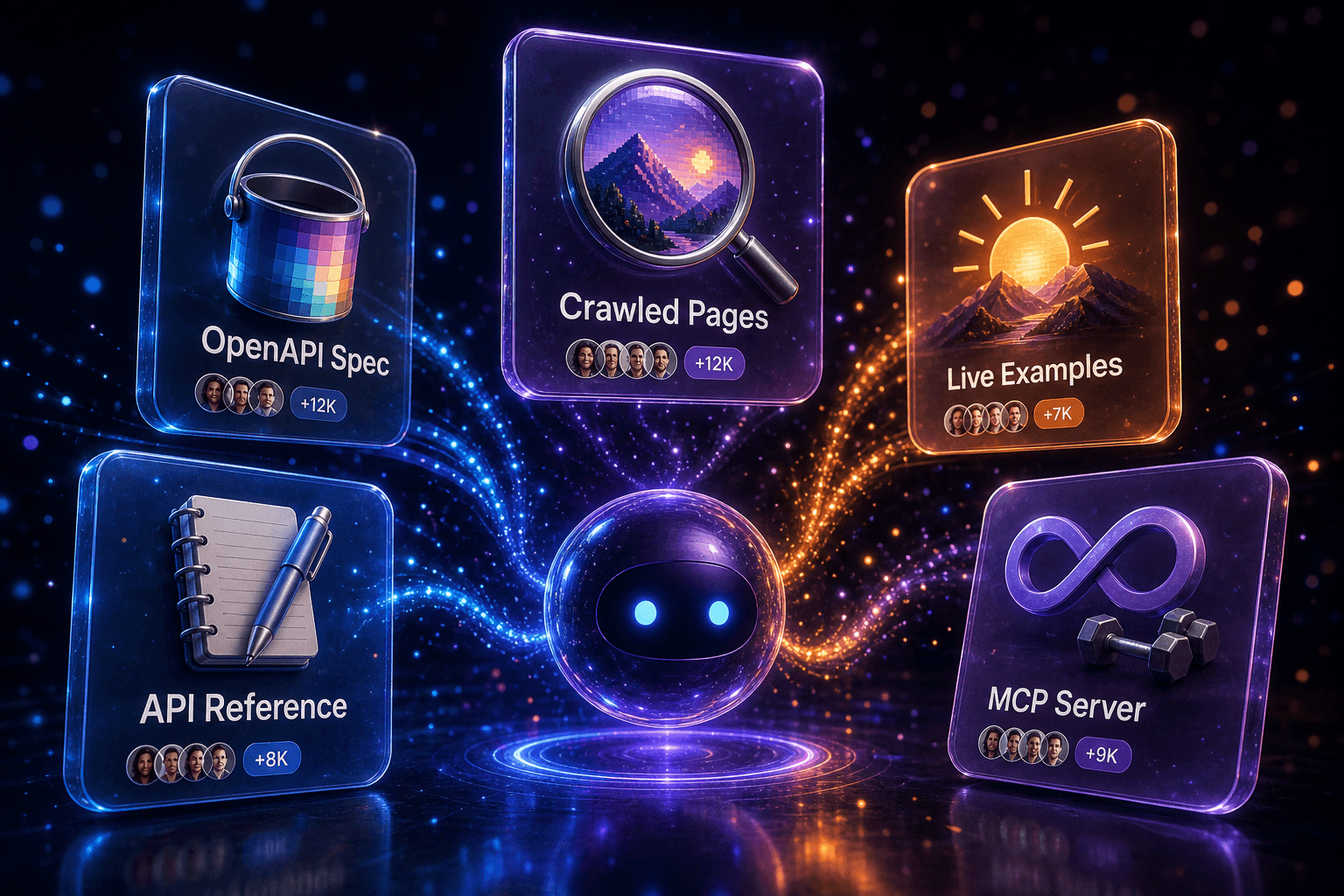
One MCP server, six editors. Why the registry shape matters.
Cursor, Claude Desktop, VS Code, Windsurf, Codex and Zed all speak MCP — but they consume it differently. Here’s how doc2mcp produces a single artifact that fits all of them.
Gautam Manak
Founder, doc2mcp

MCP is the closest thing the AI tooling world has to a real standard. That’s good news. The slightly less-good news: every editor has its own little dialect of how you wire one in.
doc2mcp’s job isn’t just to generate an MCP. It’s to generate one MCP that lands cleanly in all of them, without you forking the artifact for each tool.
The shape question
Think of the registry as a contract. The server exposes tools; the editor decides how to present them. That contract works across the board, but two details vary:
- Transport. Some editors prefer
stdio(Claude Desktop, Codex), others wanthttpwith an auth header (Cursor, Windsurf), VS Code is happy with both. - Config location. One global file, a per-workspace file, an in-app setting — depends on the editor.
What we ship in the export drawer
Every conversion in doc2mcp ends with a one-click export panel that gives you copy-ready snippets for:
- Cursor —
~/.cursor/mcp.json(workspace-scoped option below it) - Claude Desktop —
~/Library/Application Support/Claude/claude_desktop_config.json - Claude Code — project-level
.mcp.json - VS Code Insiders — built-in MCP picker, JSON or UI
- Windsurf — its
mcp_config.json - Codex / Zed — extension config block
Auth, properly
We mint a per-server bearer token at export time. It’s scoped to that MCP and rotatable from your dashboard. The token never appears in a URL, never lands in browser history, and never gets logged in plaintext on our side. (If your tooling logs request headers, that’s a conversation for your editor vendor, not your docs vendor.)
Tools you can compose, not endpoints you copy
The reason a single artifact works everywhere is that we don’t re-expose your raw routes. We group them into toolkits:
- User management →
create_user,update_user,invite_member - Billing →
start_subscription,refund_payment - Webhooks →
register_webhookwith inferred signing secret docs
Editors don’t want 47 atomic endpoints. They want 6 verbs they can compose into a workflow.
The test we run before shipping a conversion
Inside doc2mcp we run a synthetic “first-use” trace against the generated server from each editor’s perspective. If a tool would break the editor’s schema (e.g. a parameter type it doesn’t accept), the export panel surfaces it before you paste anything.
Pick one, then pick the rest
Most teams start with Cursor because that’s where the work happens. Add Claude Desktop two days later because the same MCP just works. That’s the whole pitch — write the docs once, generate once, ship everywhere.
Try it
Paste a docs URL. Get an MCP server in 90 seconds.
Free tier included. Works with Cursor, Claude, Windsurf, VS Code, Codex, and Zed.
Generate your MCP