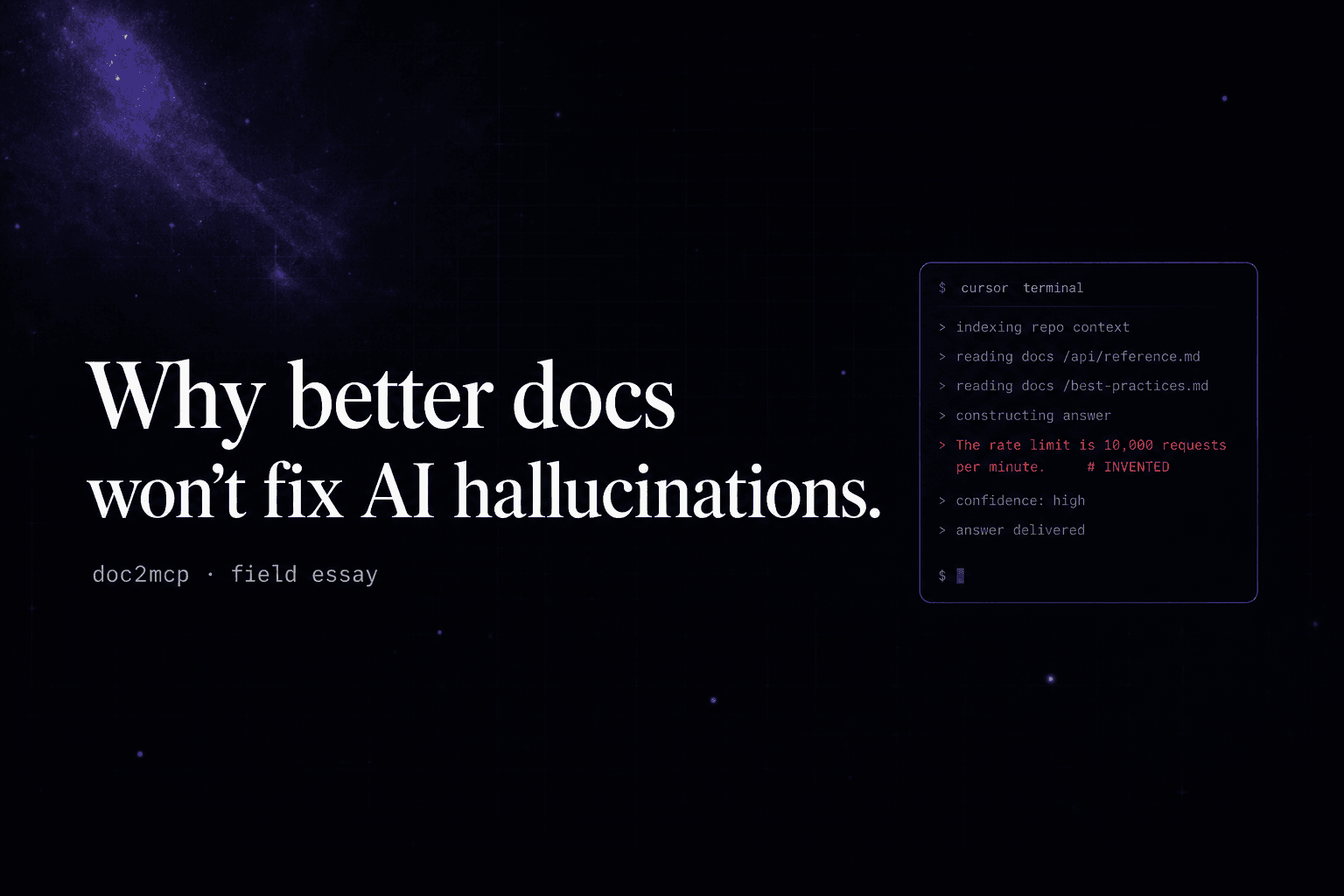
Stop pasting docs into Cursor. Let your agent borrow what others built.
The fastest engineers in 2026 don’t copy-paste API docs into their prompts. They expose a clean MCP server and let every editor pull from the same source of truth.
Gautam Manak
Founder, doc2mcp
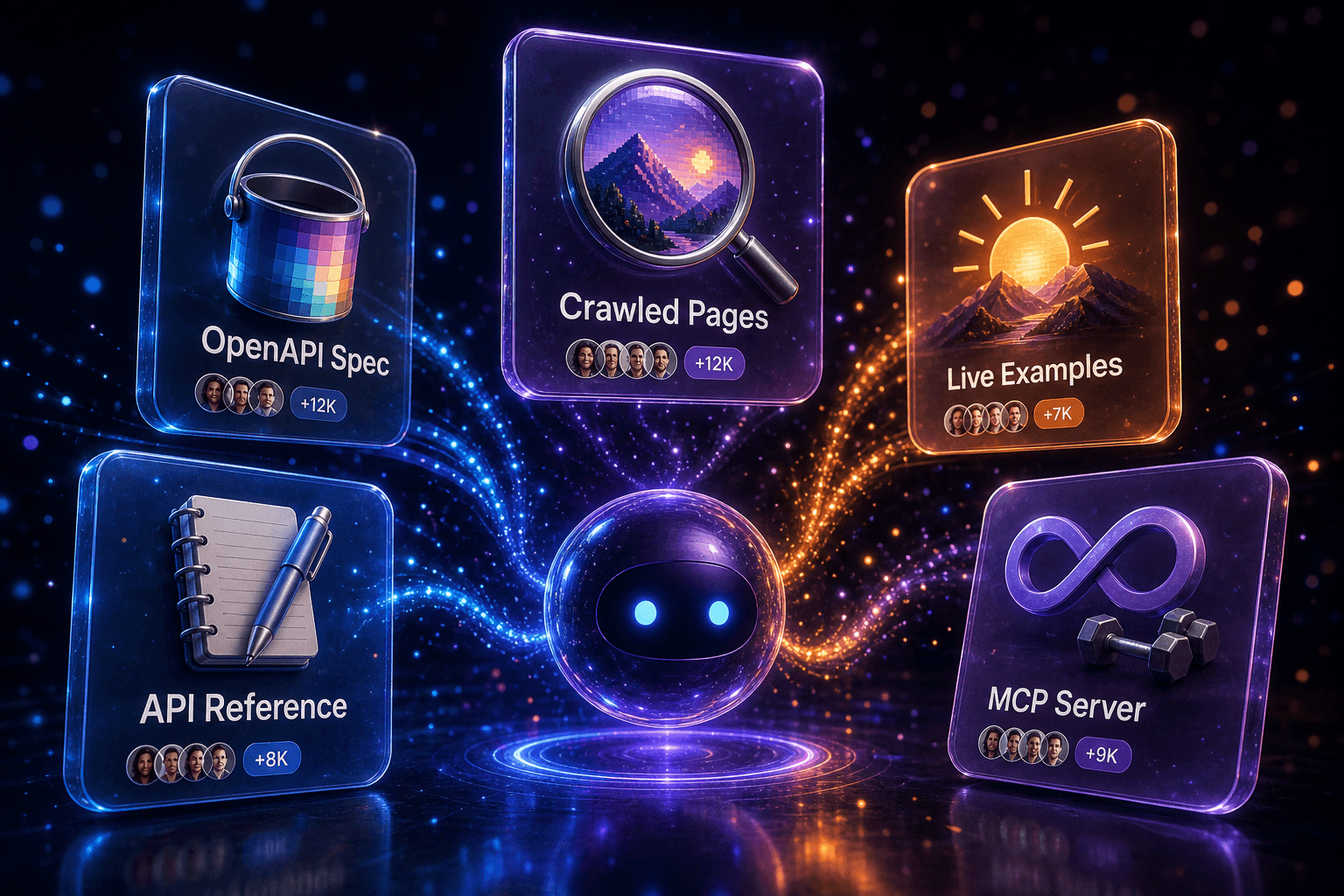
Every dev I’ve shipped with in the last six months has the same tab open at 2 AM: a vendor’s docs site, scrolled three pages deep, half-copied into a prompt that already lost context. The agent hallucinates an endpoint, you fix it, you paste again. It’s a tax we stopped questioning.
doc2mcp exists because that tax is unnecessary. You don’t need smarter prompts — you need a smaller surface area between the docs and the model. An MCP server is exactly that surface.
The problem isn’t the model. It’s the bridge.
When an AI agent guesses a route, it’s rarely because the model is weak. It’s because the bridge between “what the docs say” and “what the model can see at inference time” is held together with copy-paste. Three patterns we hear constantly:
- Stale context. The model only knows what was in its training set, or what you remembered to paste this morning.
- Lossy summarisation. 40 pages get crushed into a 512-token system prompt. Half the auth flow goes missing.
- Per-tool drift. Cursor sees one prompt, Claude sees another, your CI bot sees a third. Three forks of “the truth”.
What changes when you generate an MCP
An MCP server isn’t a wrapper around your docs — it’s a small, structured catalogue of capabilities. Tools, not pages. Workflows, not endpoints. The model asks list_tools(), gets back a typed menu, and picks what it needs.
You stop teaching the model what your API does. You give it the ability to look.
That single move kills the three problems above:
- The model reads live. No staleness, no re-paste, no “update the system prompt” PR.
- Tools are semantic, not raw.
create_invoice()instead of 7 POST routes with overlapping fields. - Every editor — Cursor, Claude Desktop, VS Code, Windsurf — points at the same server. One source, many surfaces.
How doc2mcp does it in 90 seconds
Paste a docs URL. We crawl it, detect the format (Mintlify, Docusaurus, OpenAPI, plain Markdown, GitBook, even a GitHub branch with weird slashes), infer auth and workflows, then compress endpoints into semantic toolkits. You get back:
- A generated MCP server with typed tools.
- Ready-to-paste configs for every major editor.
- A Docs Understanding Score so you know what the model is — and isn’t — going to be able to do reliably.
bash
# Cursor: ~/.cursor/mcp.json
{
  "mcpServers": {
    "my-api": {
      "url": "https://mcp.doc2mcp.site/v1/<your-id>",
      "headers": { "Authorization": "Bearer ***" }
    }
  }
}
When MCP isn’t the answer
Be honest about scope. If your “docs” are three half-written README paragraphs, generating an MCP won’t conjure structure that isn’t there. The score will tell you. Fix the docs first, then convert.
Ship it
The fastest way to stop pasting docs is to stop pasting docs. Pick one vendor your team integrates with this week, generate the MCP, drop the config into Cursor, and watch a 40-minute integration collapse into 4.
Try it
Paste a docs URL. Get an MCP server in 90 seconds.
Free tier included. Works with Cursor, Claude, Windsurf, VS Code, Codex, and Zed.
Generate your MCP