Your MCP should auto-sync. Here's how doc2mcp does it.
Vendor docs change quietly. Your AI agent doesn't notice until it ships a broken API call. Content hashing + cron + diff-aware regeneration is the fix.
Gautam Manak
Founder, doc2mcp
Most "AI breaks in production" stories share a common root cause: the docs the model was generated against don't exist anymore. A field got renamed. A route got deprecated. An auth scheme moved from X-API-Key to a Bearer token. The model still happily calls the old one. The agent times out. The user blames the AI.
Auto-sync is the cheapest reliability investment you can make in an AI stack. Here's the loop we run on every doc2mcp project.
1. Hash the source, not the screenshot
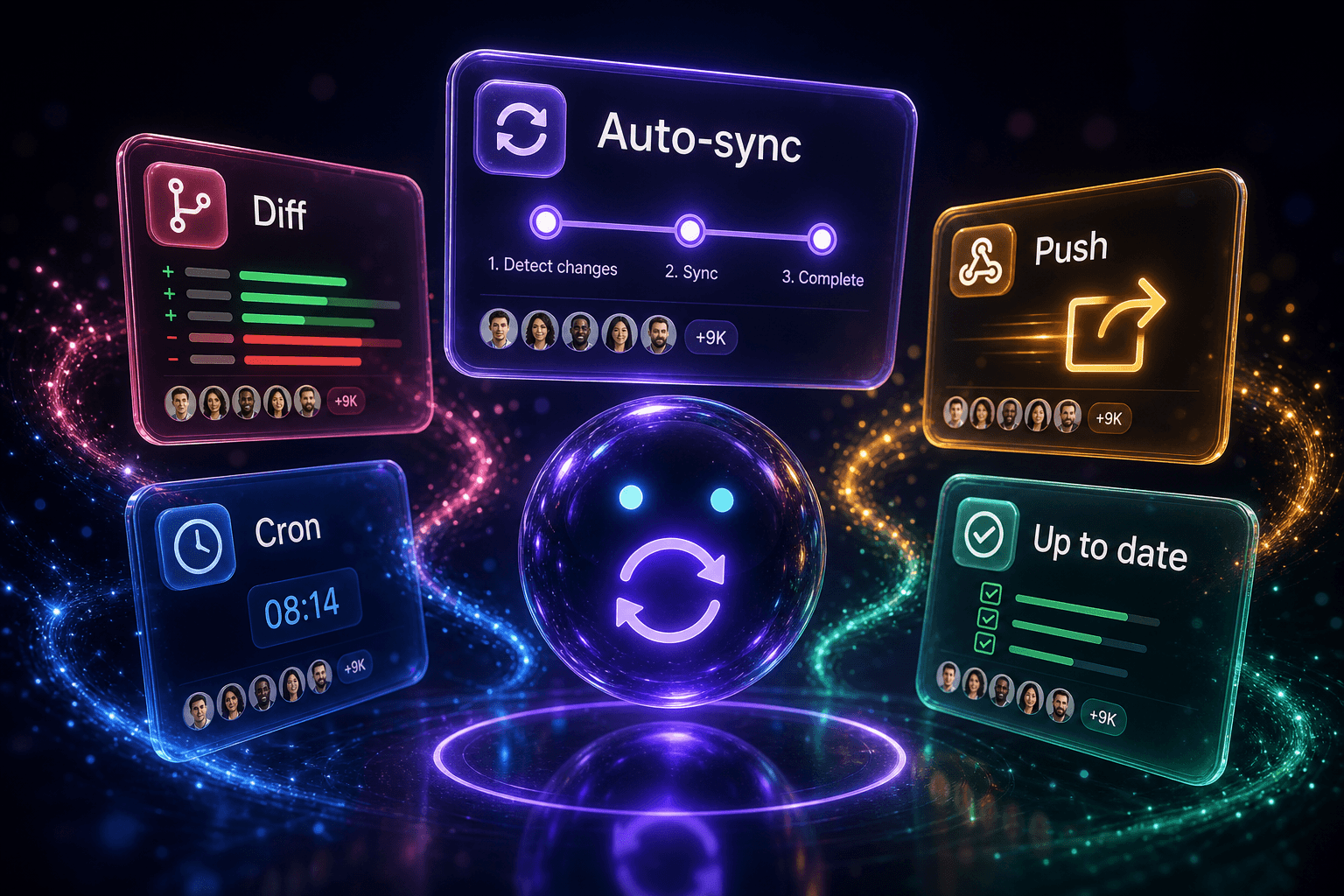
Crawl the source URL on a fixed cadence. Normalise the response (strip volatile bits like timestamps, asset hashes, CSRF tokens), then SHA-256 it. Compare against the last stored hash. If they match, do nothing — you've saved a regeneration and a write.
2. Diff at the tool level, not the page level
When the hash changes, don't just re-publish the MCP. Run the new docs through the same pipeline as the first conversion, then diff the resulting toolkits:
- New tool? Add it to the manifest, mark it as "new since last sync".
- Removed tool? Keep the slot, mark it as
deprecatedwith a tombstone. Editors handle this gracefully if you don't yank the slot. - Renamed parameter? Surface the migration in the dashboard before you publish.
The agent doesn't care that page 14 of the docs got a new paragraph. It cares whethercreate_invoice()still acceptscurrency.
3. Cron + webhooks, not just cron
Cron (we use a 24-hour default) catches the long-tail. Webhooks catch the same-day changes. We accept push webhooks from supported docs platforms (Mintlify, GitBook, GitHub on a docs branch) and treat them as "regenerate immediately, skip the next cron tick".
4. Snapshot every successful sync
Every sync that produces a valid MCP gets a snapshot. Roll back is a one-click revert to any previous snapshot. This single feature has saved more incidents in production than every retry policy we've ever written, combined.
5. Auto-sync the metadata, not the experience
Users shouldn't have to refresh anything. The MCP URL stays identical, the bearer token stays identical, the editor never reconnects. The toolkit just gets quietly better while everyone sleeps.
Flip it on in your project settings. It's free for the first regeneration each week and included unlimited on Pro.
Try it
Paste a docs URL. Get an MCP server in 90 seconds.
Free tier included. Works with Cursor, Claude, Windsurf, VS Code, Codex, and Zed.
Generate your MCP